

Encode your message.
Type letters, digits, or common punctuation and preview the message as dots and dashes before sending it.

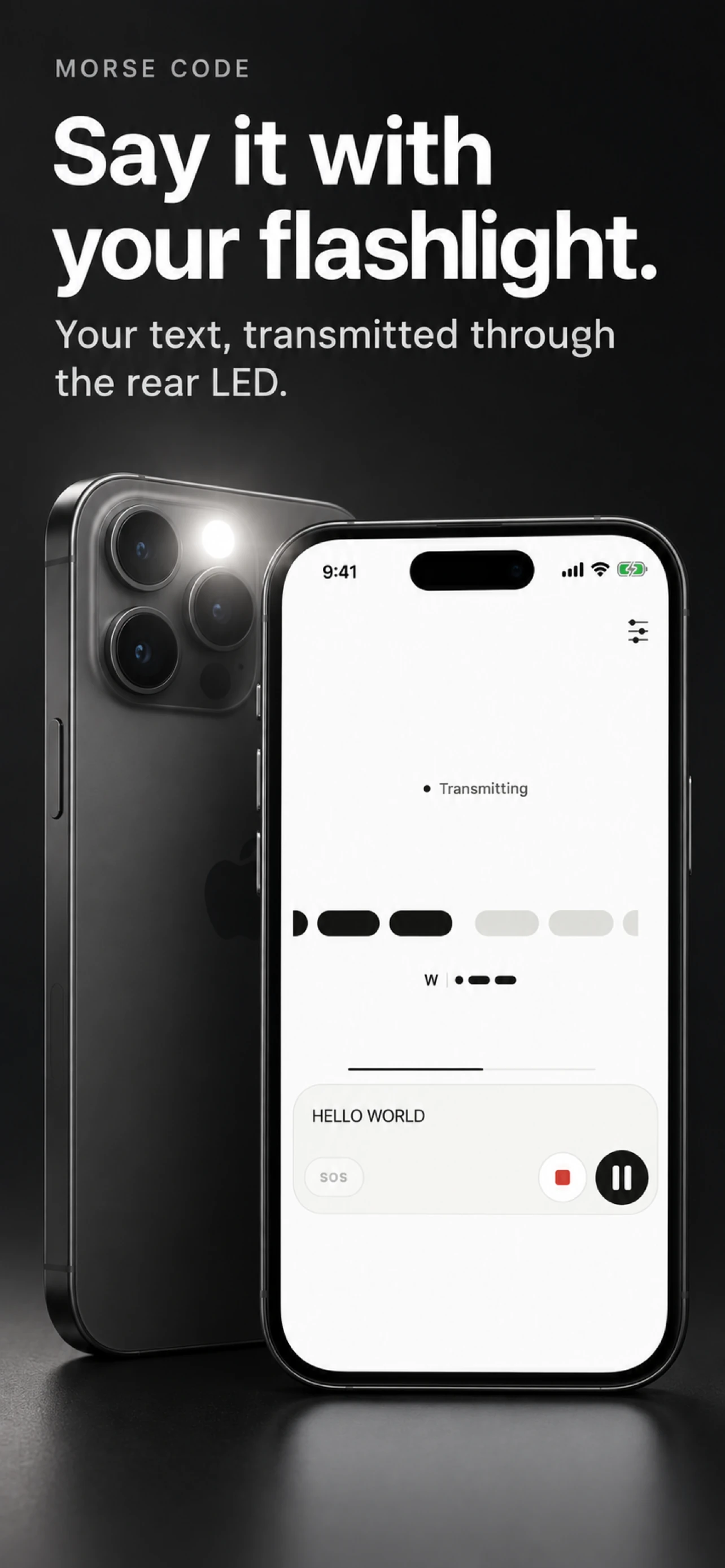
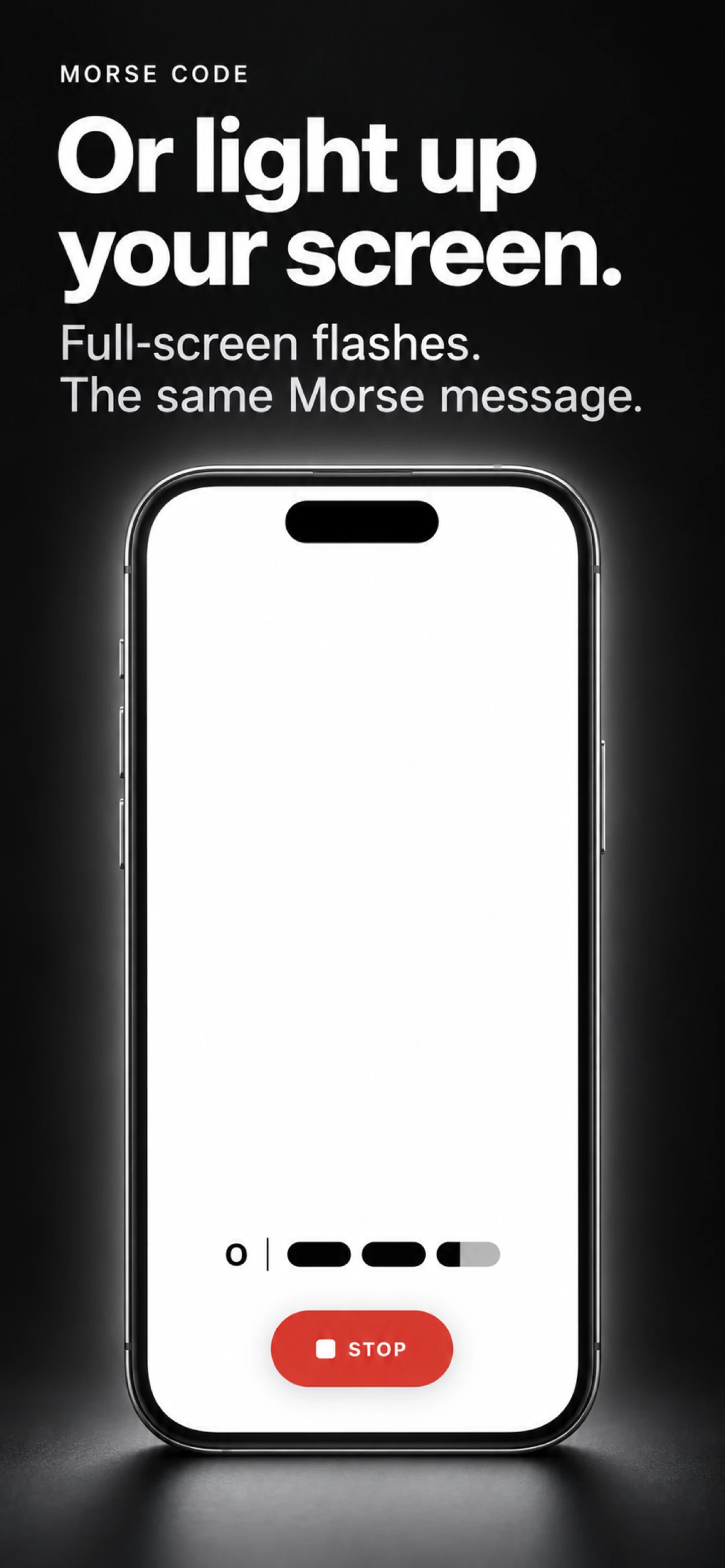
Type a message, preview its encoded signal, and send it through the phone's rear flashlight or the display.

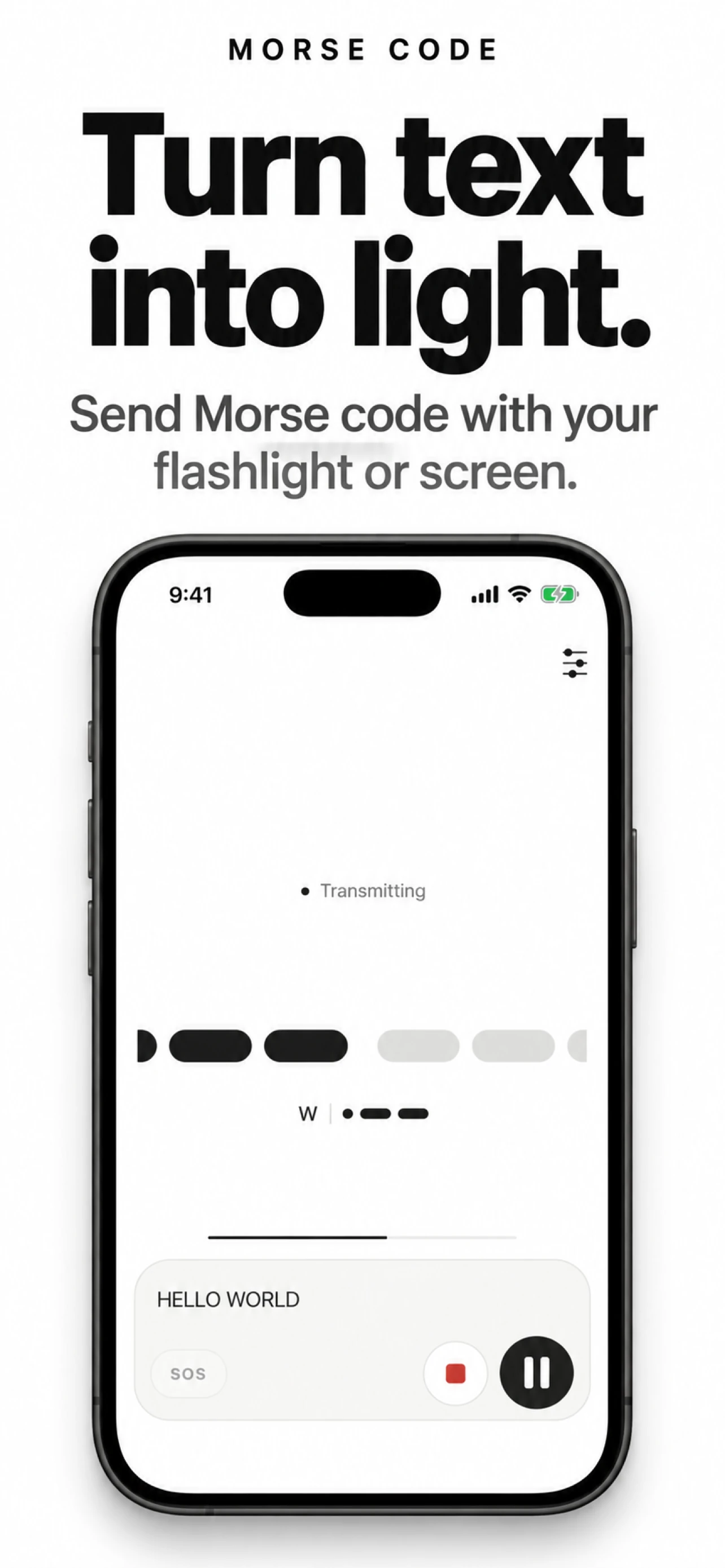
Type letters, digits, or common punctuation and preview the message as dots and dashes before sending it.
Send the encoded signal through the phone’s rear flashlight, with the display available as a fallback.
Adjust speed from 8 WPM up to the supported limit, follow live progress, then pause, resume, replay, stop, or repeat the transmission.
Camera permission is used only to control the rear flashlight. Morse Code does not capture or save photos or video. Read the privacy policy or visit support. It is not an emergency or certified signalling device.