

Control, naturally.
Move with one finger, scroll with two, tap to click, and tune gestures and pointer feel to match the way you work.

 Bluetooth Mouse
Turn a compatible iPhone, iPad, or Android device into a wireless trackpad and keyboard for compatible Macs, iPads, Windows PCs, and Android devices. No Wi-Fi. No receiver app. No account.
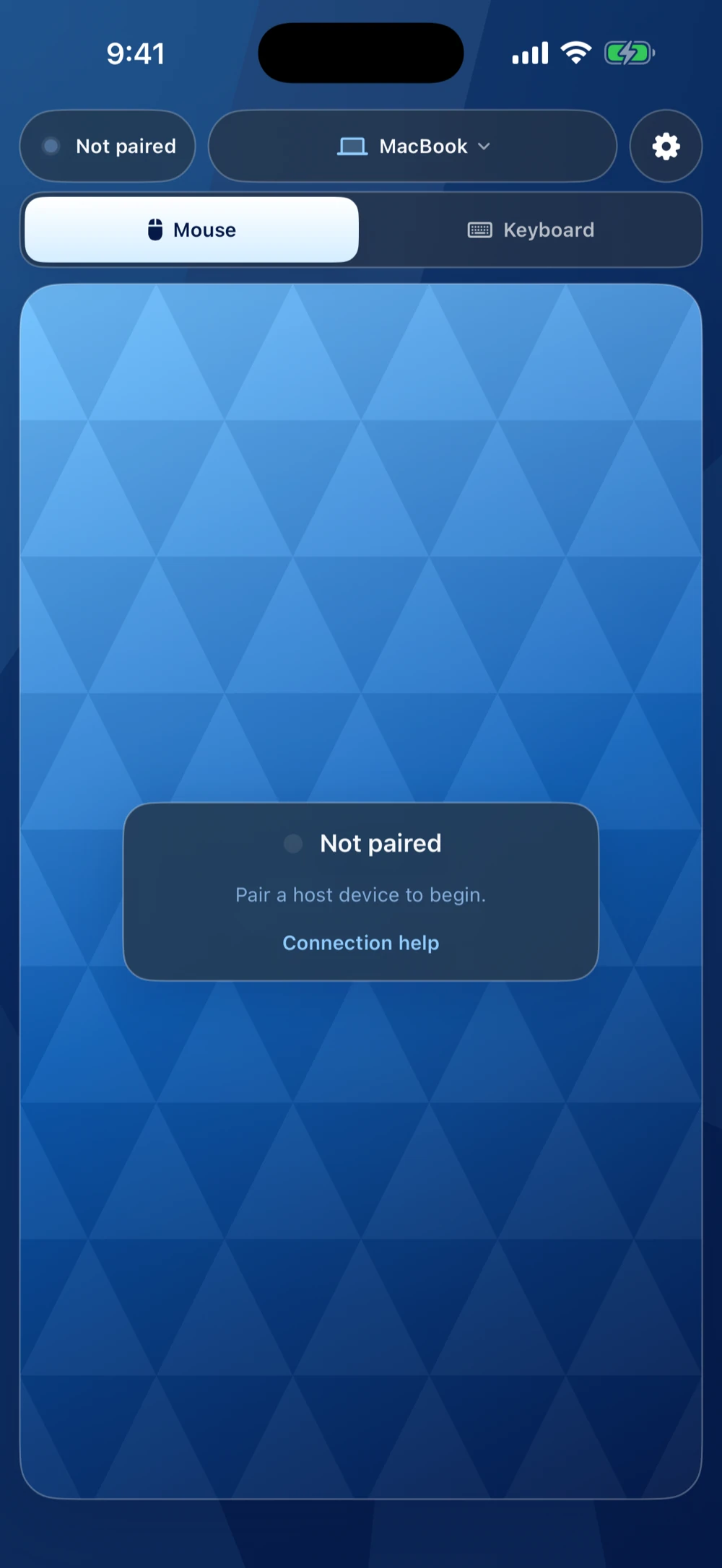
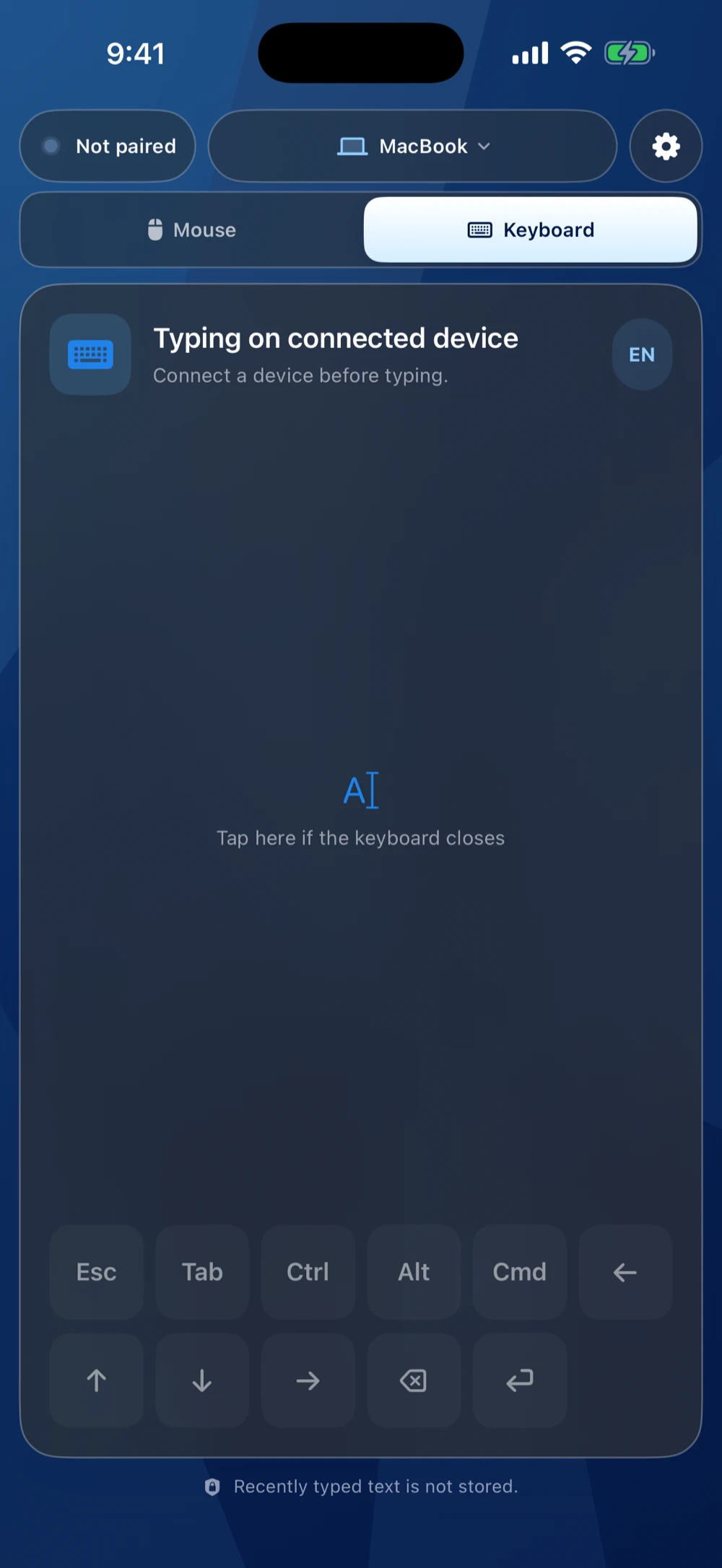
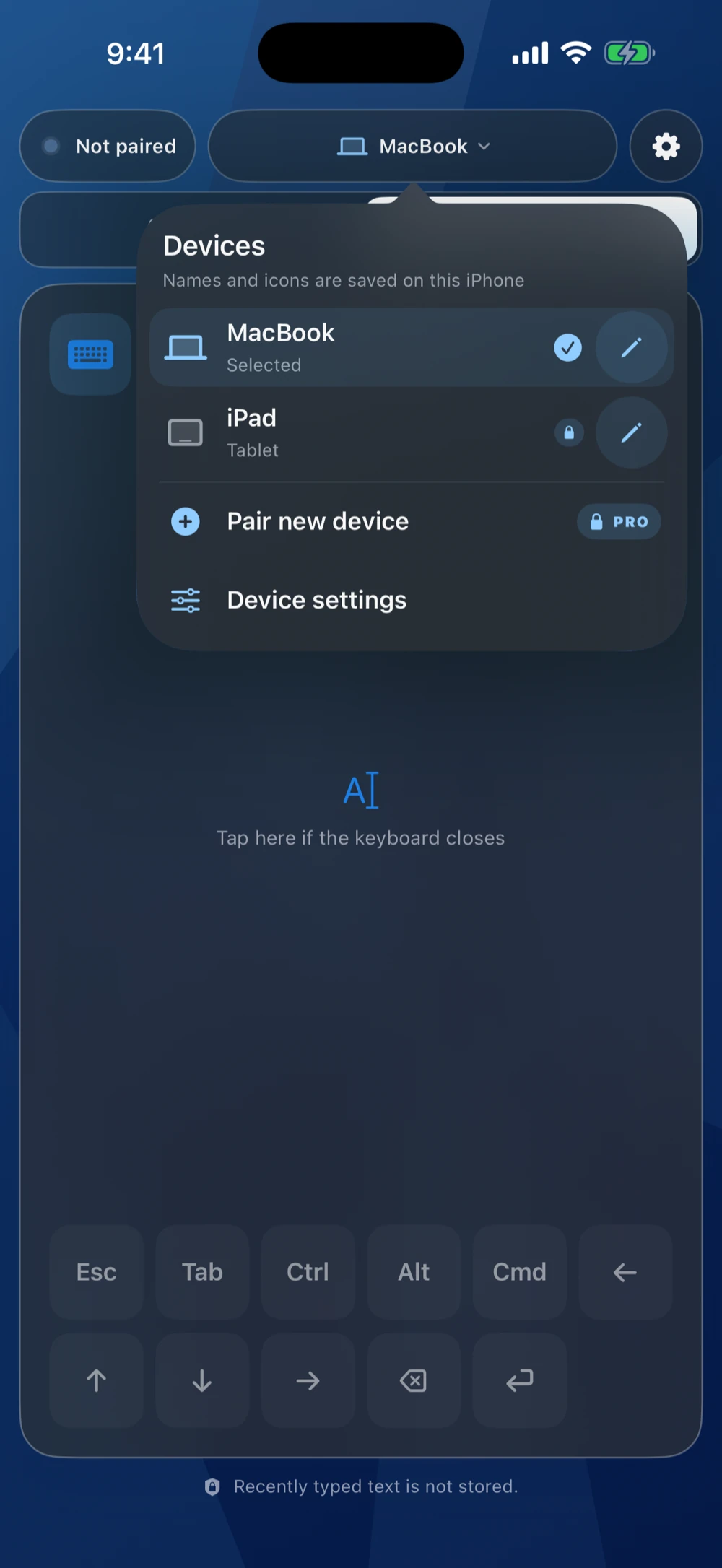
Move with one finger, scroll with two, tap to click, and tune gestures and pointer feel to match the way you work.
Open the on-screen keyboard to type on the connected device, with shortcut and navigation keys close at hand.
Bluetooth Mouse pairs as a Bluetooth Low Energy mouse and keyboard. Your input travels straight to the host device you approve.
No advertising or analytics SDKs, no cloud account, and no typed-text history.
Use Bluetooth Mouse with compatible devices running macOS, iPadOS, Windows, or Android. Initial pairing always begins in the Bluetooth or pointer-device settings of the device you want to control. On Android phones, app availability also depends on the manufacturer exposing Android's Bluetooth HID profile.
See pairing instructionsmacOSiPadOSWindowsAndroidBluetooth Mouse is fully usable as a mouse and keyboard for free. Pro unlocks the complete experience.
On iOS, choose Monthly Pro at US$1.99 per month or Annual Pro at US$19.99 per year. Both include every Pro feature. Annual Pro saves about 16% compared with 12 monthly payments.
Subscriptions renew automatically until cancelled. Prices and availability vary by country or region; the App Store shows your local price before purchase.
Mouse Jiggler sends movement only. It never clicks and runs only while the app is open, active, connected, and Pro is available.
Find platform-specific pairing steps, reconnection help, and answers about input, purchases, and privacy.